

Shokz OpenRun Pro 2


Shokz OpenRun Pro 2
Shokz OpenRun Pro 2
Couldn't load pickup availability
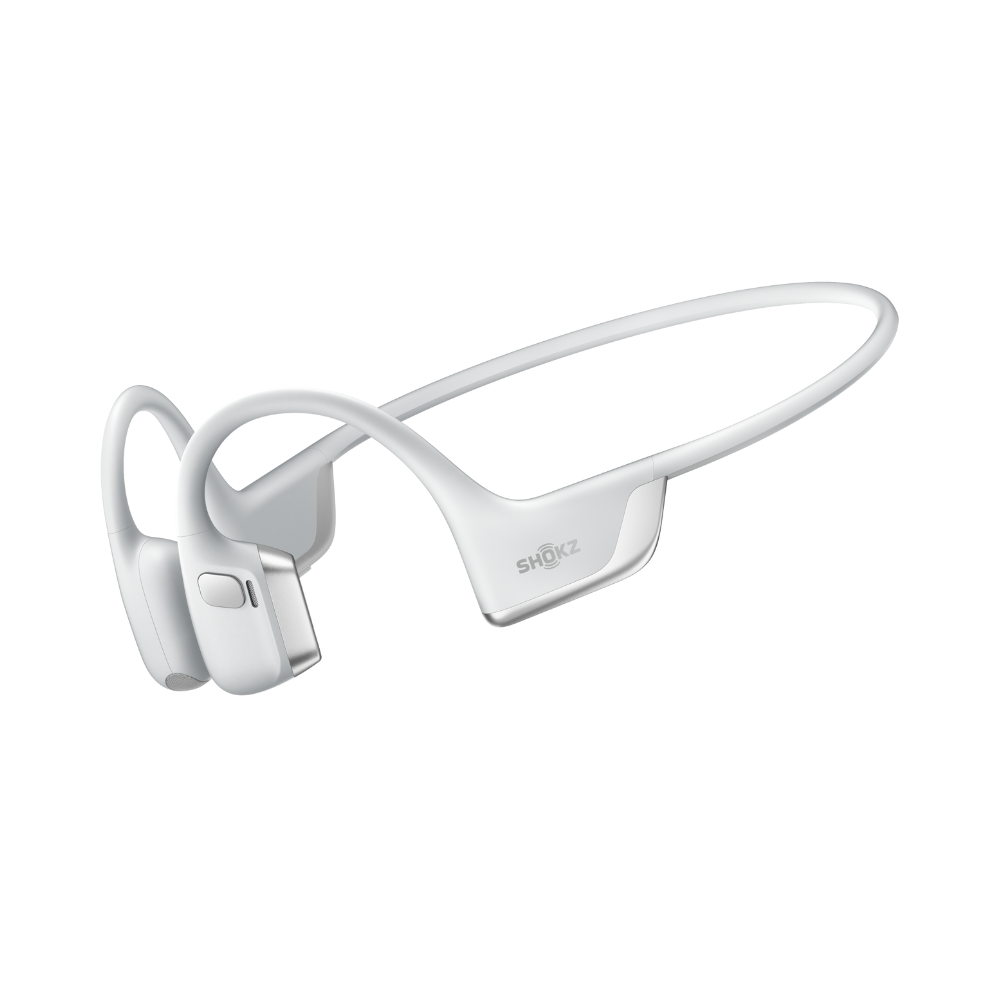
OPENRUN PRO 2 Flagship Bone Conduction Sports Headphones
The new Shokz OpenRun Pro 2 provides astounding sound quality for sports enthusiasts, delivering up to 12 hours of unmatched audio. Equipped with wind-resistant microphones and a premium nickel-titanium frame, it ensures crystal-clear phone conversations even in extremely windy conditions. Additionally, its comfortable and secure fit offers peace of mind during use.
- Innovative Dual-Driver design for Enhanced Bass
- Open-ear design for situational awareness
- Titanium allow frame for a snug and secure fit
- Up to 12 hours of playback, and quick charge
- IP55, resistant to sweat for extreme workouts
- Windproof and noise-cancelling mics for clear calls




What's in the box
FAQs
How do I pair OpenRun Pro 2 with multiple devices?
Start with the headphones off. Hold Volume + until the LED flashes red and blue, then press Multifunction + Volume + for pairing. Connect the first device, turn off the headphones, repeat for the second device, then power on to auto-connect both.
How do I switch EQ modes on OpenRun Pro 2?
You can switch EQ modes via the Shokz App or manually by pressing and holding both the Power/Volume + and Volume - buttons while music is playing until you hear a beep.
How to set Bone Conduction Only Mode?
Download the latest Shokz app and switch to 'Classic' EQ mode, which optimizes the bone conduction experience. If you can't find it, ensure your 'sales region' is set to the United States or Canada.
What should I do if OpenRun Pro 2 gets wet from rain or sweat?
If OpenRun Pro 2 gets wet from rain or sweat, gently shake off excess moisture from different angles, wipe the speaker mesh with a dry cloth or tissue, and let it air-dry in a ventilated area for a few hours to ensure optimal performance.
